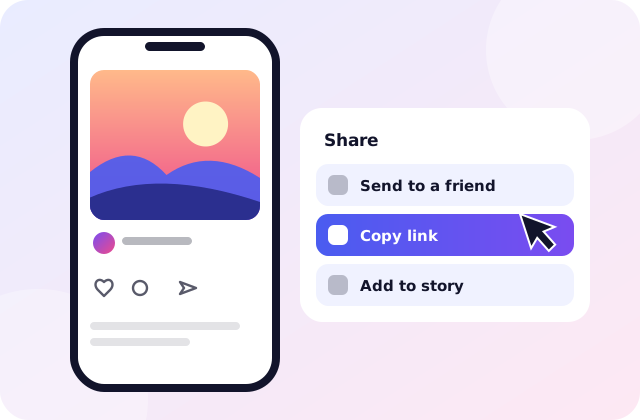
Copy the link
Open the post in Instagram. Tap the paper-plane icon under it and choose Copy link. On a computer, copy the address from the top of your browser instead.
Paste the link of a public Instagram post and save the video, Reel or photo to your phone or computer. Free, with no login.
There’s nothing to install and no account to make. If you can copy a link, you can do this.
Open the post in Instagram. Tap the paper-plane icon under it and choose Copy link. On a computer, copy the address from the top of your browser instead.
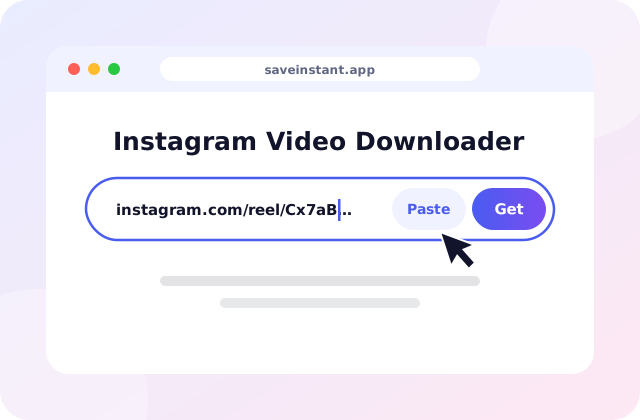
Come back to this page and paste the link into the box at the top. The Paste button does it for you. Then press Download.
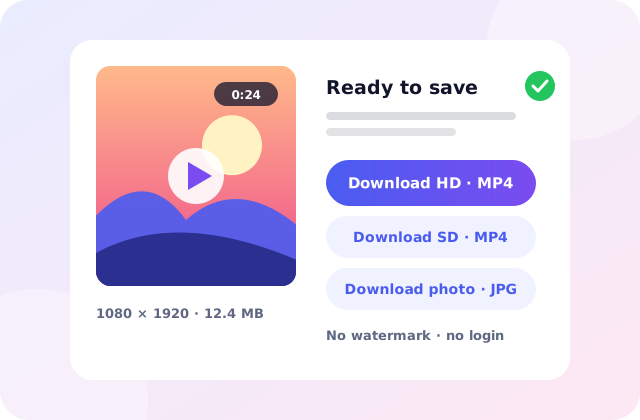
After a few seconds you’ll see the video or photo with a button for each quality. Tap one and the file goes to your device, like any other download.
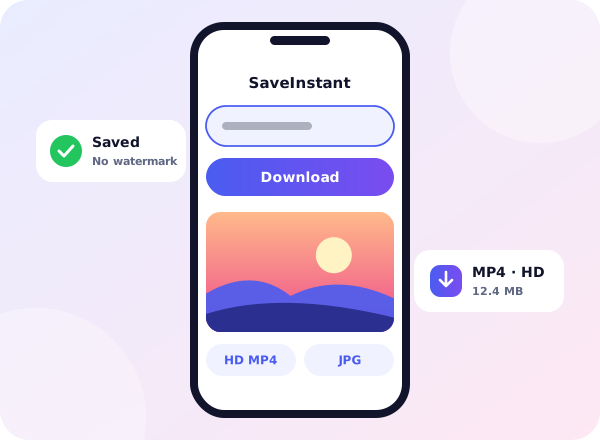
Instagram has no button for keeping someone else’s video. Most of the time that’s fine. Then you want to rewatch a recipe on a flight, or keep a clip a friend sent you, and there’s no way to do it.
SaveInstant is a small website that does exactly that. You paste the link of a public post, and we fetch the same file anyone could see without logging in. We never ask for your Instagram password and we don’t keep your downloads.
They all work the same way. Each one has its own page with tips for that kind of post.

For regular video posts in your feed.

Keeps a Reel in the tall shape it was made in.

The full-size picture, not a screenshot of it.

For public stories that are still live.

For long videos you want on a plane or a train.

One link, every slide in the post.
Public posts only. If you need to log in to see a post, we can’t fetch it. That’s on purpose.
The steps are nearly the same everywhere. What differs is where the file ends up.
We would rather be straight with you than sound impressive. Here is how the site really works.
Quick for most links
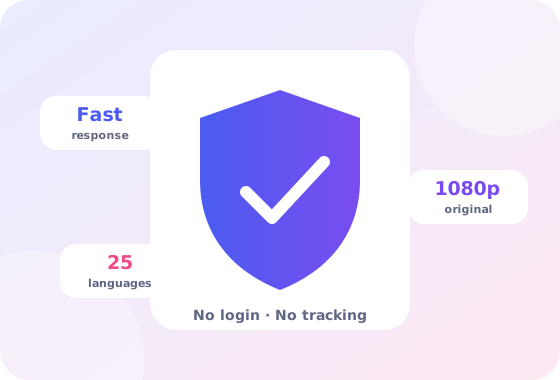
Most posts come back in a few seconds. A long video can take a little longer to start.
No account, no password
There’s no sign-up and no Instagram login. If a site asks for either, close it.
Honest about quality
You get the best file Instagram stores, usually up to 1080 pixels wide. We never inflate it.
We don’t keep your files
Downloads go straight to your device. A link’s result is held for about half an hour so repeats are quick, then removed.
A daily allowance
The service costs money to run, so each visitor gets a daily number of new links. If you reach it, the site tells you.
Nothing to install
It runs in the browser on iPhone, Android, Windows, Mac and Linux. You can add it to your home screen if you use it often.
Keeping their own work
You made a Reel, then lost the original when you changed phones. Saving it back from your own public post is a quick fix.
Watching without a signal
A recipe, a workout or a tutorial is much easier to follow on a flight or a train when it’s already on your phone.
Studying and teaching
Students and teachers keep short clips next to their notes. If you share one, say who made it.
Sharing, with permission
When the creator says yes to a repost, the original file looks far better than a screen recording.
A copy is for your own use. The video belongs to whoever made it, so please ask before you repost it. Our plain guide to the rules explains why, and Instagram’s own Help Center is the place for account questions.
Private accounts
If you need to be an approved follower to see a post, we can’t see it either. Why that’s not changing.
Posts that are gone
Deleted posts and expired stories are gone for us too. Copy a link while the post is still there.
Sharper pictures
We can’t add detail that isn’t in the file. A blurry upload stays blurry, whatever tool you use.
Other platforms
This site only handles Instagram. It isn’t affiliated with Instagram or Meta.
Short guides, written for the questions we hear most.
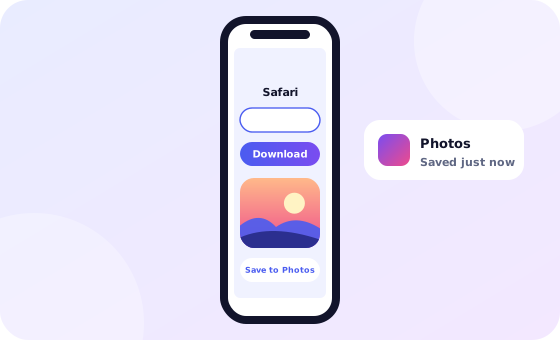
Save a Reel in Safari and move it to Photos, with no app.
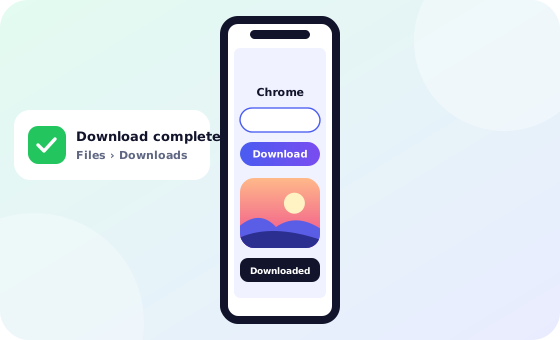
Use Chrome, then find the MP4 in Downloads and your gallery.
Get the sharpest copy Instagram stores, up to 1080p.
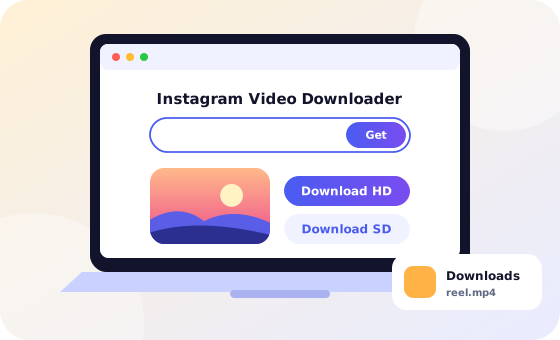
Turn a public Instagram link into an MP4 file.
An honest answer about what can and can’t be saved.
Find saved videos on iPhone, Android, Windows and Mac.
Skip the copy and paste. Type saveinstant.app/go/ in front of any Instagram link and press Enter. The link is filled in and fetched for you.
saveinstant.app/go/https://instagram.com/reel/…Tell us what went wrong and we’ll reply by email. Include the link you tried.
Contact usNo. The site is paid for by ads, and each visitor gets a daily allowance of new links. The full explanation is on the FAQ page.
There is no sign-in and no Instagram password box, and a site that asks for your password is one to avoid.
Only posts anyone can open without an account can be fetched. A deleted post or a profile link will fail too. The how-to page shows which link to copy.
An MP4 for videos and Reels, or a JPG for photos, in the best size Instagram stores for that post.
No. We never sign in to Instagram, so nothing is sent to anyone.
In your Downloads folder, or in Safari’s Downloads list on iPhone, where Share then Save Video moves it to Photos.